Question
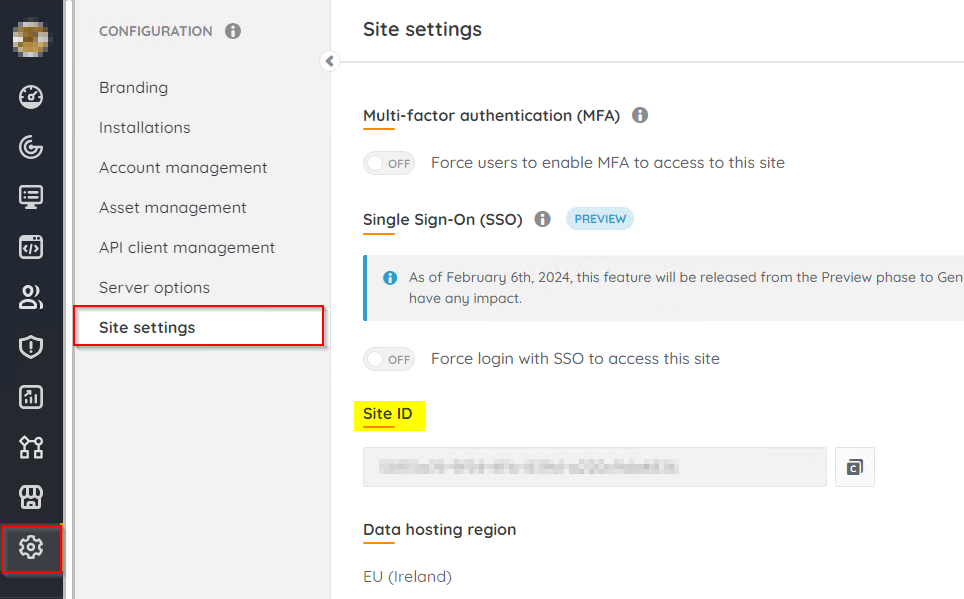
How can I find my Lansweeper Cloud Site ID?
Answer
You can find the Site ID for your Lansweeper Cloud site under Configuration > Site Settings. The Site Settings option is only available to site owners. If you do not see the Site Settings, this indicates that you are not the site owner. You can ask your site owner to provide the Site ID, or you can request that they promote you to a site owner so you can retrieve it yourself.